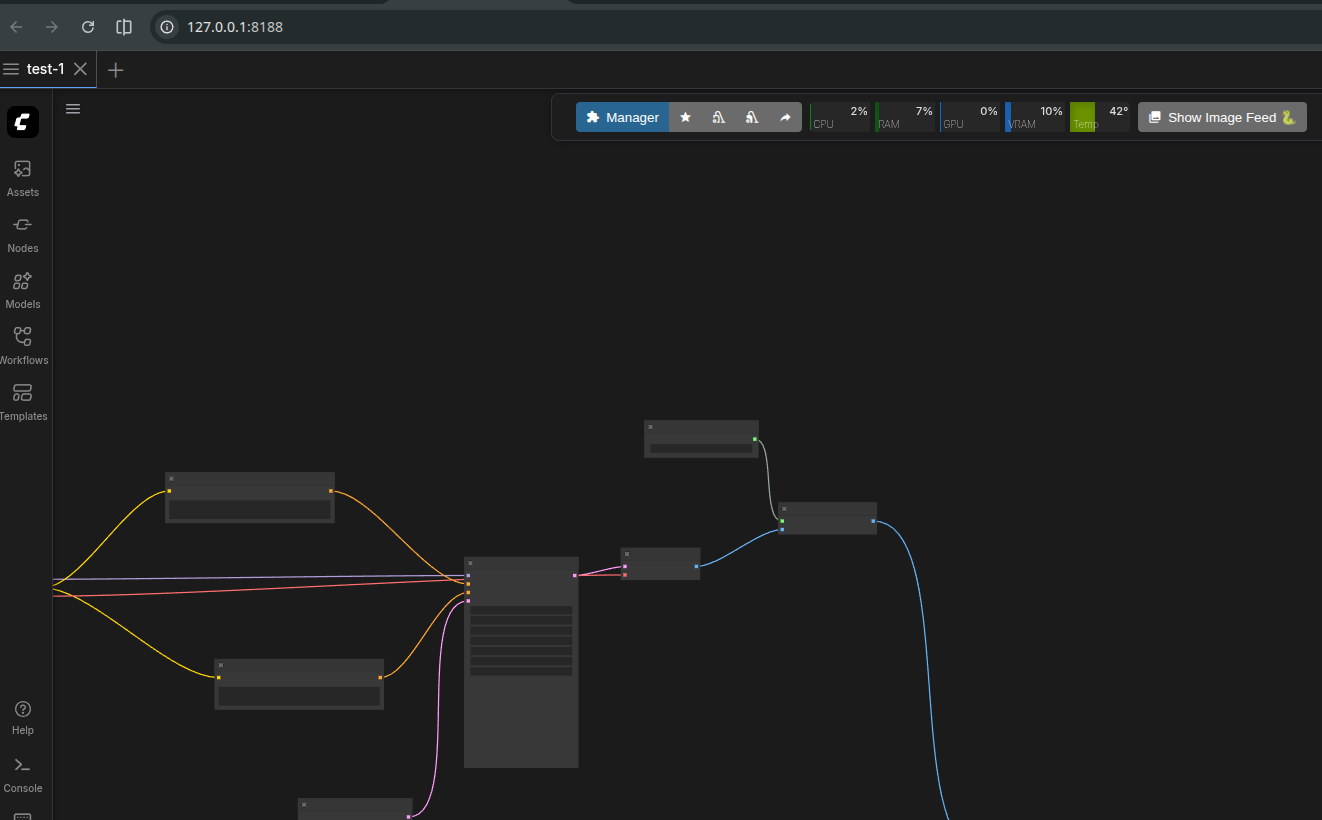
After the fresh install I faced an issue with the crystools progress bars. Instead of beautiful progress bars I saw only the ugly text. The problem happened because of the wrong pathes to the CSS files..
The problem looks like
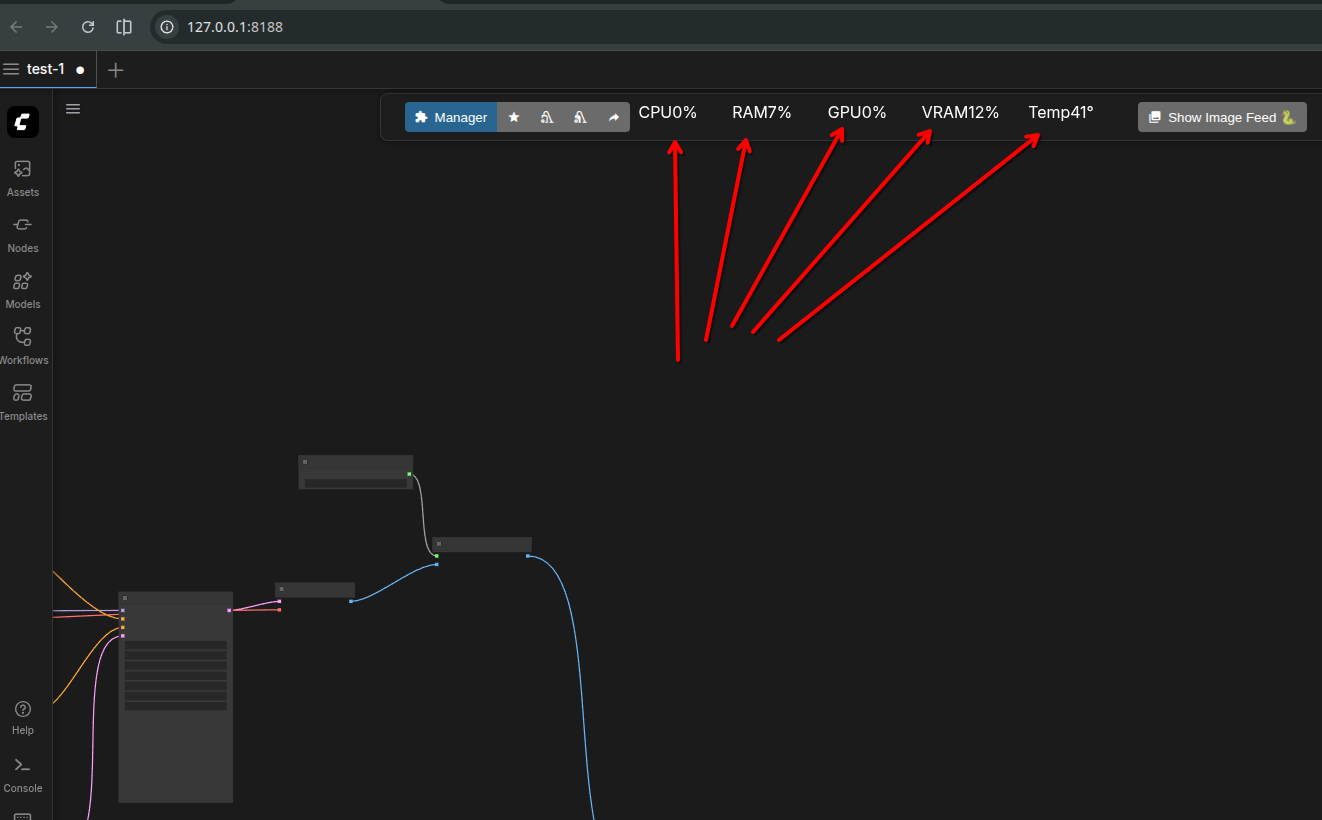
To resolve the problem yopu need to find and edit a bit next files:
.../comfyui/custom_nodes/comfyui-crystools/web/styles.jsopen in the editor and find in the top next line
utils.addStylesheet('extensions/ComfyUI-Crystools/monitor.css');replace it with the same path in lower case
//utils.addStylesheet('extensions/ComfyUI-Crystools/monitor.css');
utils.addStylesheet('extensions/comfyui-crystools/monitor.css');
Then do the same with typescript version of the same file
.../comfyui/custom_nodes/comfyui-crystools/web/styles.tsfind next
utils.addStylesheet('extensions/ComfyUI-Crystools/monitor.css');replace with
//utils.addStylesheet('extensions/ComfyUI-Crystools/monitor.css');
utils.addStylesheet('extensions/comfyui-crystools/monitor.css');
then reboot the server and refresh your page with Comfy. Now it should look like