

Today I want to share a quick troubleshooting story. I was trying to install and run Antigravity IDE on my Linux machine, but I hit a wall. When I launched the app, it immediately crashed with this scary error message:
The SUID sandbox helper binary was found, but is not configured correctly. Rather than run without sandboxing I’m aborting now.
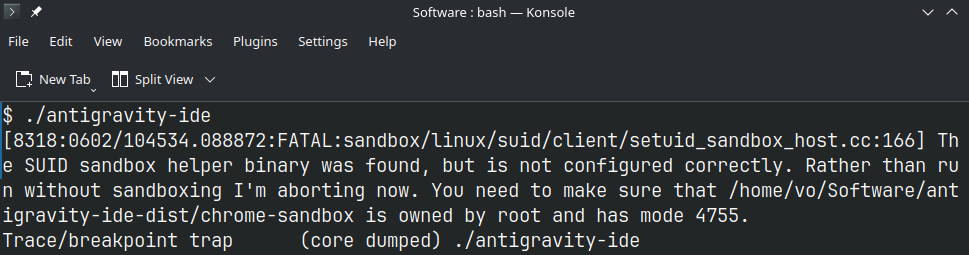
The full error looks like..
$ ./antigravity-ide
[8318:0602/104534.088872:FATAL:sandbox/linux/suid/client/setuid_sandbox_host.cc:166] The SUID sandbox helper binary was found, but is not configured correctly. Rather than run without sandboxing I'm aborting now. You need to make sure that /home/vo/Software/antigravity-ide-dist/chrome-sandbox is owned by root and has mode 4755.
Trace/breakpoint trap      (core dumped) ./antigravity-ide
What was the problem?
The IDE uses a Chromium-based engine. For security reasons, Chromium requires a component called chrome-sandbox to have very specific system permissions. It must be owned by the root user and have 4755 permissions (SUID support). Without this, the app refuses to start because it “cares” about your security!
My Solution
Instead of fixing it manually every time or typing multiple commands, I wrote a simple Bash script to automate the process after the upgrade. Here is the fix:
#!/bin/bash

chmod +x ./antigravity-ide-dist/antigravity-ide
sudo chown root:root ./antigravity-ide-dist/chrome-sandbox
sudo chmod 4755 ./antigravity-ide-dist/chrome-sandbox
In my case the locations are
- ~/Software/antigravity-ide-dist = the folder with the antigravity files
- ~/Software/antigravity-ide-fix.sh = the script
After running this script, the IDE started perfectly


