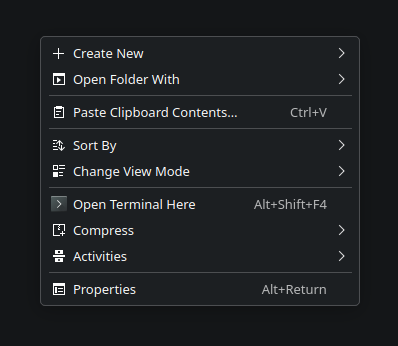
I really hate it when the context menu is overloaded with useless items, and one of the worst offenders for me in Kubuntu is the “folder colors” feature. It’s incredibly annoying because it breaks a clean, solid dark theme with all that colorful clutter. Previously, we could easily disable this via Dolphin’s settings, but that’s no longer the case.
On a fresh Kubuntu installation, it looks like this:
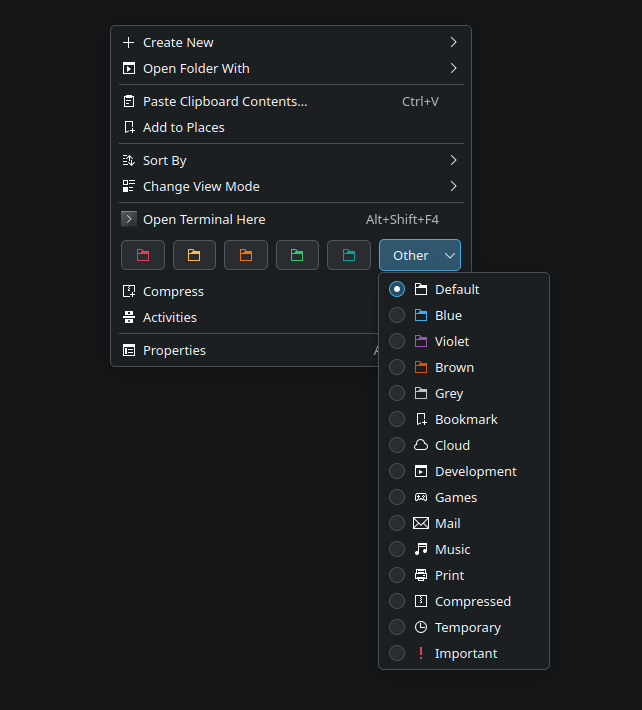
Currently, this is a part of KDE Frameworks 6. To get rid of it, you need to rename or delete the related library: setfoldericonitemaction.so . You can do it with the following command:
$ sudo mv /usr/lib/x86_64-linux-gnu/qt6/plugins/kf6/kfileitemaction/setfoldericonitemaction.so /usr/lib/x86_64-linux-gnu/qt6/plugins/kf6/kfileitemaction/setfoldericonitemaction.so.bakThen, restart Dolphin. You can do this manually or just run
kill dolphin && dolphinAfter these steps, your context menu will look much cleaner!