
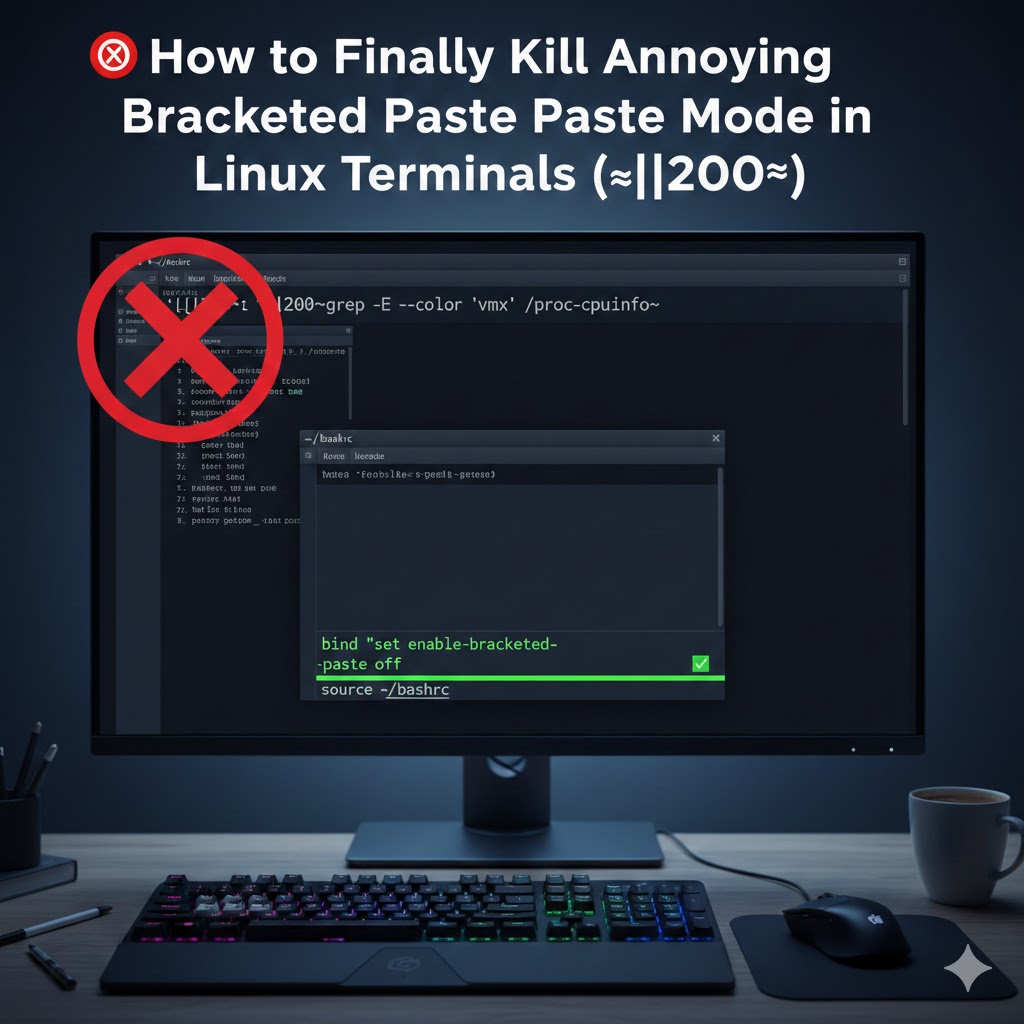
If you spend a significant amount of time in the Linux terminal (and if you’re here, you probably do), you’ve definitely encountered this annoying issue. You try to paste a command, but you accidentally hit Ctrl+V instead of the required Ctrl+Shift+V. Suddenly, your terminal input gets polluted with strange characters: ^[[200~<your-command>~
Example
^[[200~grep -E --color 'vmx|svm' /proc/cpuinfo~The text you wanted is wrapped in the infamous ^[[200∼ prefix and ∼ suffix. This is a feature called Bracketed Paste Mode, designed for “safety” to prevent malicious code execution when pasting text with embedded newlines.
While technically useful, for experienced users, it often causes more frustration than it solves. I’ve been annoyed by this for months, constantly having to backspace the garbage characters away.
The Fix: Permanently Disabling Bracketed Paste Mode
Since I trust the content I’m pasting, and I prefer total control over my shell, I decided to permanently disable this feature in my Bash configuration. This stops the shell from generating or looking for those bracket sequences during a paste operation. This guide focuses on permanently disabling the mode for Bash users.
Step 1: Open Your Bash Configuration File
You need to edit your main Bash configuration file, which is executed every time you start a new terminal session. Open the .bashrc file using your preferred terminal editor (like nano or vim):
$ nano ~/.bashrcStep 2: Add the Disable Command
Scroll to the very bottom of the file and add the following command. This command uses the bind utility to instruct the readline library (which handles your command line input) to disable bracketed paste mode.
# Disable Bracketed Paste Mode permanently to prevent ^[[200~ characters
bind "set enable-bracketed-paste off"
Step 3: Save and Apply Changes
Save the file (e.g., in nano, hit Ctrl+O, then Enter, then Ctrl+X). Apply the changes to your current shell session immediately, or simply close and reopen your terminal:
$ source ~/.bashrcThat’s it! The annoying ^[[200∼ should now be gone for good in all your new Bash terminal sessions, allowing for clean, hassle-free pasting.


